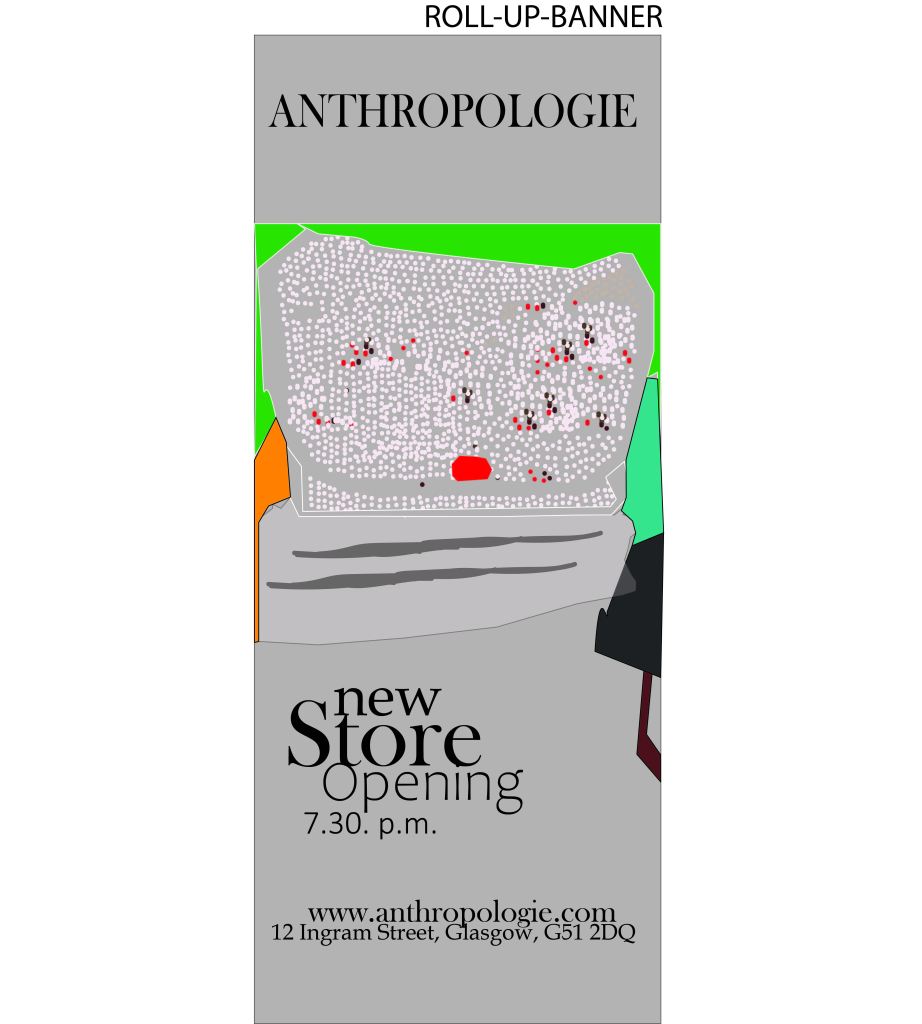
I have used Adobe Illustrator to create a roll-up banner.
I have signed up to Adobe Illustrator, chosen the A4 format. I have adjusted the image to fit the program requirements. Adobe illustrator helps to maximize the picture without losing the photo quality.
I took my image myself.
I have placed an image into an illustrator by copy and paste option.
I have opened the layers section, locked them by clicking the “lock” sign next to it.
I switched over different layers and used pen and paintbrush tool to mark the lines and layers.
During creating the banner I have used text, shape and pen tools.
I have changed the font, size and colour by selecting the right option in same name options on the top toolbar of the Illustrator page.
I have prepared the image to my blog:I have exported the photo and saved as JPEG form and resolution changed to 300.
 • CitymonadprAnnaMaterowska