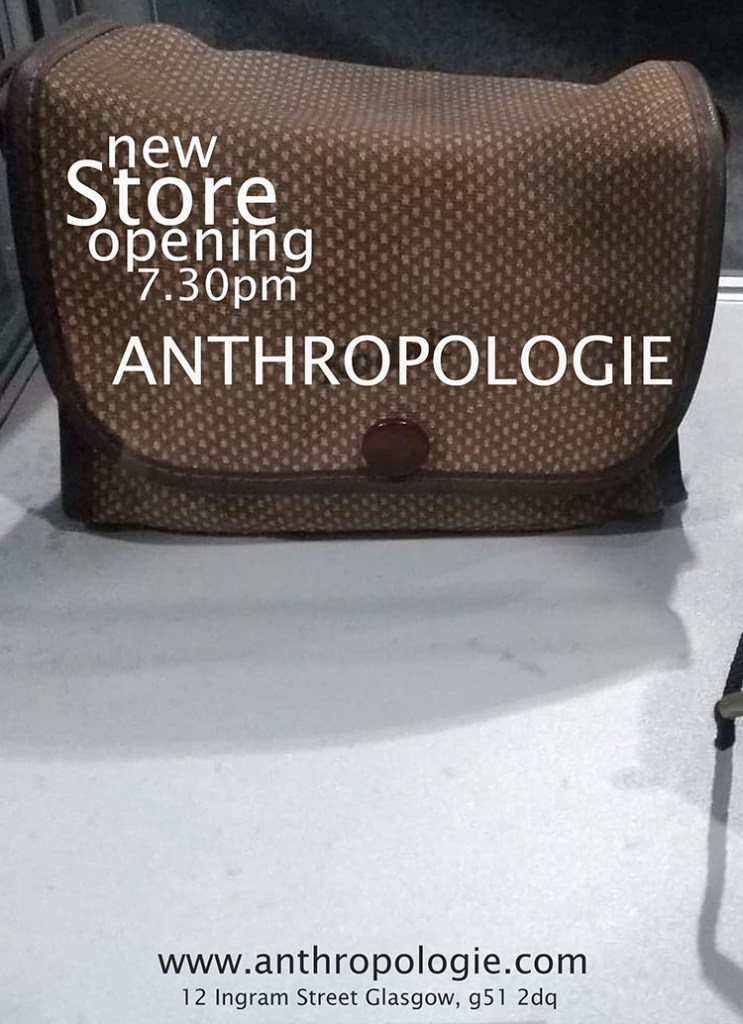
I have used Adobe Photoshop to create Final Poster Design.
I have created poster size by: Opening Adobe Photoshop program, selecting “Print”, format A4, keeping resolution at 300 and portrait orientation. I have saved the changes.
I have taken the photo on my personal mobile phone.
I wanted to show vintage- inspired accessories of Anthropologie brand.
I have selected “View/Rulers”, then using move tool I have dragged the design onto my A6 and saved the changes under “File save as – PSD”.
Resizing the image: I went to File – image size- then adjusted the parameters to my needs and save changes.
I have created text via: “T” icon on the left hand side toolbar. Then I have selected the font (top left of the page ) and size (top of the page) colour (top right icon) and saved changes via “File- save”.
I have not used any text effects, as I wanted to keep my poster minimalist to reflect the nature of the Anthropologie brand.
I have prepared PSD file for my blog via resizing the image (Image- image size – 150, 80 picsels resolution- save) and I have saved the image in JPG format.
 • CitymonadprAnnaMaterowska